How to Enable Automatic Parking Brake: Setup and Safety Guide
To enable automatic parking brake, stop your vehicle, locate the electronic parking brake (EPB) switch, and activate the automatic mode using the procedure specified in your owner’s manual. On many Toyota models, this involves pulling and holding the EPB switch until a confirmation message appears. Certain Honda models require a specific switch sequence, while other vehicles automatically apply the parking brake without a separate activation setting.
An automatic parking brake helps secure the vehicle when you shift into Park or turn off the ignition, depending on the system. However, not every vehicle with an electronic parking brake supports a user-selectable automatic mode. The feature may already be enabled, operate only under specific conditions, or be unavailable on certain trim levels.
Understanding these differences is important because the electronic parking brake, automatic brake hold, and automatic parking brake are related but separate functions.
This guide explains how to identify your vehicle’s system, enable automatic parking brake operation step by step, follow Toyota and Honda activation procedures, recognize Hyundai’s automatic operation, verify the settings, and troubleshoot common problems.
What Is an Automatic Parking Brake and How Does It Work?
An automatic parking brake is a feature that applies the vehicle’s parking brake without requiring the driver to operate the parking brake switch every time.
Most vehicles offering this function use an electronic parking brake system rather than a traditional hand-operated lever or foot-operated parking brake.
An electric motor applies the parking brake through an actuator mechanism. Depending on the vehicle, the actuator may be integrated with the rear brake calipers or operate a separate cable mechanism.
The automatic function uses information from other vehicle systems, such as:
- Transmission gear position
- Ignition or power mode
- Brake pedal status
- Driver’s seat belt
- Door position
- Vehicle movement
- Electronic brake control system
For example, some Toyota vehicles automatically apply the EPB when the transmission shifts into Park. Certain Honda vehicles apply the parking brake automatically when the engine or power system is switched off.
Automatic operation is not identical across manufacturers. A feature available on one model may behave differently on another.
How to Enable Automatic Parking Brake Step by Step
Before starting, confirm that your vehicle has an electronic parking brake and supports an automatic application feature.
The steps below explain the general setup process. Manufacturer-specific switch sequences appear in the following sections.
Step 01: Park the Vehicle on a Level Surface
Begin by parking in a safe, level location away from moving traffic.
Bring the vehicle to a complete stop and keep your foot firmly on the brake pedal.
If the vehicle has an automatic transmission, shift into Park. For a manual transmission, follow the manufacturer’s parking procedure.
Make sure the vehicle cannot roll unexpectedly.
Never attempt to enable the automatic parking brake mode while driving. On some vehicles, holding the EPB switch while moving activates an emergency braking function.
Step 02: Identify the Electronic Parking Brake Switch
Locate the EPB switch inside the cabin.
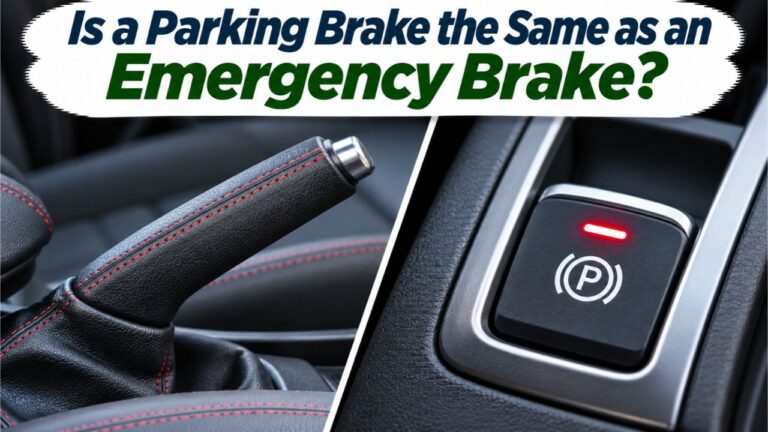
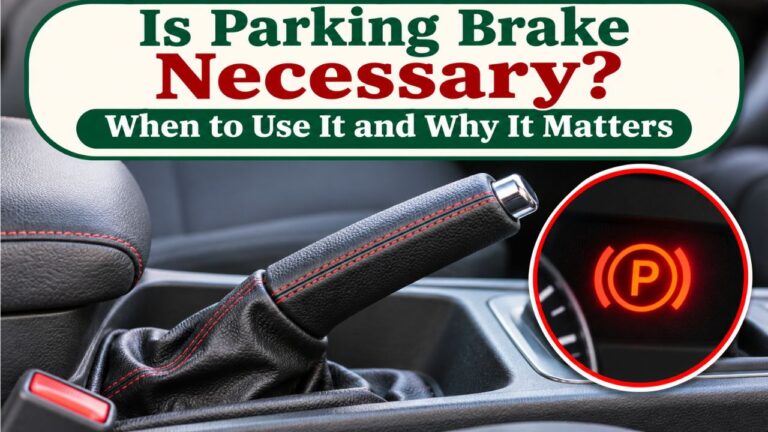
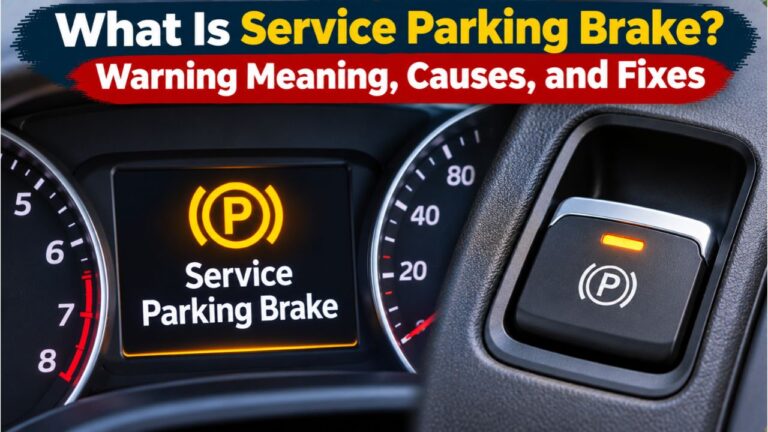
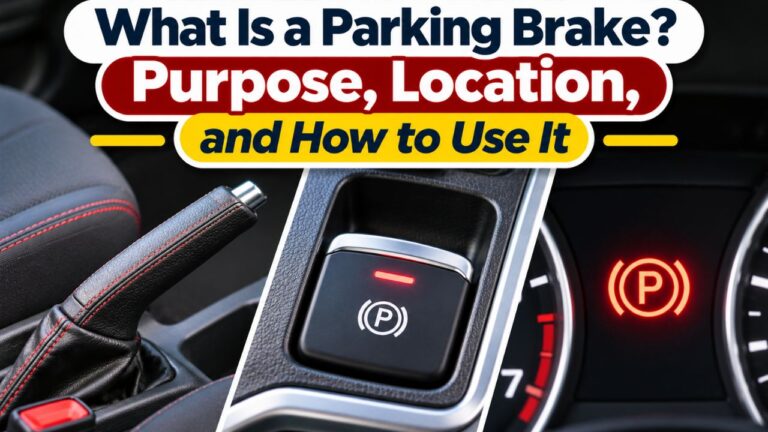
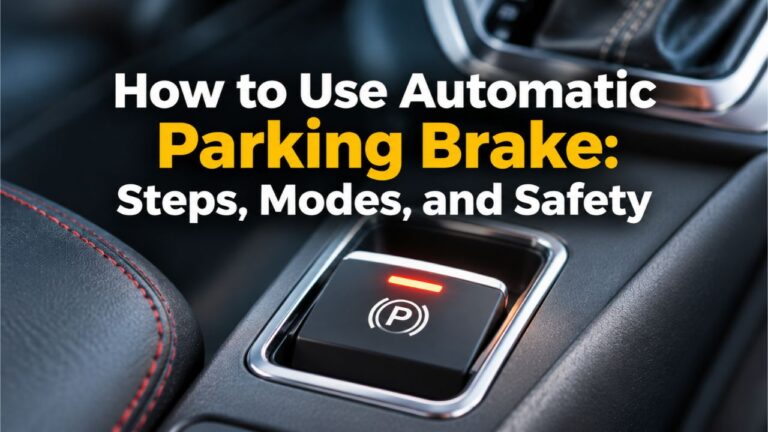
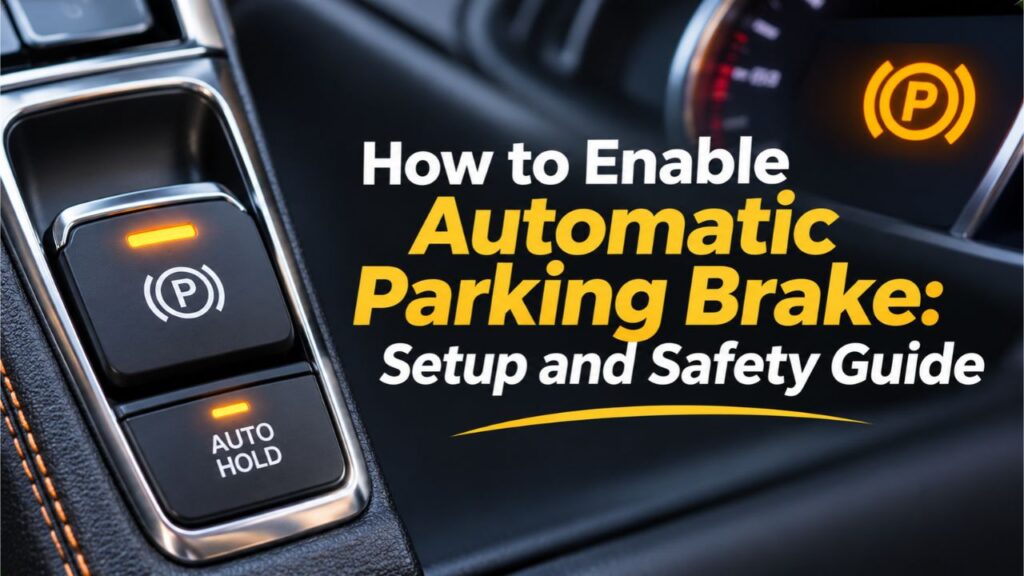
Most electronic parking brake switches display a parking brake symbol, commonly represented by a letter P inside a circle with surrounding brackets.
The switch may be positioned:
- Near the gear selector
- On the center console
- Beside the steering column
- On the lower dashboard
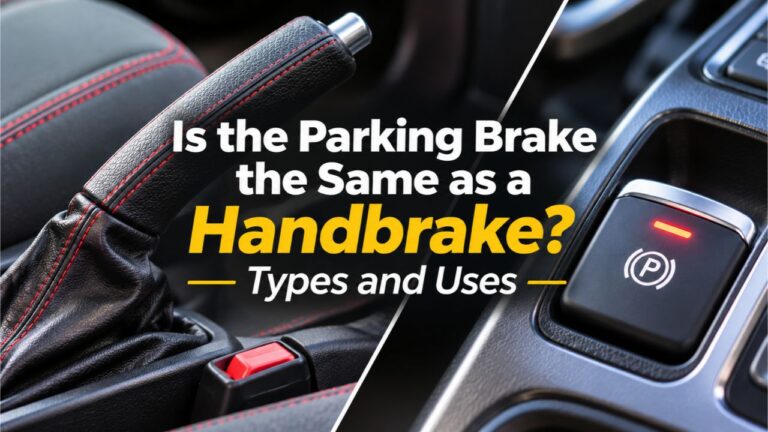
Unlike a mechanical handbrake, an electronic parking brake commonly uses a small pull-and-push switch.
On many vehicles, pulling the switch applies the parking brake, while pressing it releases the brake when the required conditions are met.
Do not confuse the EPB switch with the AUTO HOLD button. Although both relate to braking, they serve different purposes.
Step 03: Turn the Ignition or Vehicle Power Mode On
Follow the vehicle’s required power-mode procedure.
Some vehicles need the ignition in the ON position without starting the engine. Others may require the power system to be ready or the engine running.
Keep the vehicle stationary.
Check the instrument cluster for existing brake warning messages.
If the dashboard displays an electronic parking brake malfunction or brake-system warning, investigate that problem before changing automatic settings.
The EPB system depends on electrical power, and a significantly discharged 12-volt battery can prevent normal operation.
Step 04: Find the Automatic Parking Brake Setting
Check the owner’s manual for a section labeled Electronic Parking Brake, Automatic Parking Brake, or Parking Brake Automatic Mode.
Depending on the vehicle, the feature may be controlled through:
- The electronic parking brake switch
- A specific switch-hold sequence
- A vehicle settings menu
- A factory-configured automatic operation mode
Some vehicles do not provide an adjustable setting at all.
If the owner’s manual does not describe an activation procedure, do not assume that holding the EPB switch will enable the feature.
Step 05: Activate Automatic Mode Using the Correct Procedure
Follow the exact activation instructions for your vehicle.
For certain Toyota models, automatic mode is enabled by pulling and holding the parking brake switch while the vehicle is stopped until a buzzer sounds and a message appears on the instrument display.
Some Honda vehicles require an additional timed switch sequence.
Other vehicles automatically apply the EPB when specific operating conditions are met and do not offer a universal manual activation sequence.
Avoid copying instructions from a different model simply because the switches look identical.
Step 06: Confirm the Activation Message or Sound
After completing the required procedure, check whether the vehicle confirms that automatic operation is enabled.
Depending on the model, confirmation may include:
- A message on the instrument cluster
- One or more audible beeps
- A change in the automatic parking brake indicator
- A displayed setting showing automatic mode
A parking brake warning light alone may only indicate that the brake is currently applied.
It does not necessarily prove that automatic operation has been enabled.
Check the owner’s manual to interpret the confirmation correctly.
Step 07: Test Automatic Parking Brake Application
Once automatic mode is enabled, verify its operation while the vehicle remains stationary.
Keep your foot on the service brake pedal.
Follow the normal parking procedure described in the manual.
For a vehicle designed to apply the EPB when shifted into Park, move the transmission into P while holding the brake pedal.
For a vehicle designed to apply it at shutdown, turn off the engine or power system according to its instructions.
Listen for the electric parking brake motor and check the parking brake indicator.
A brief motor sound from the rear brakes can be normal.
Do not rely only on hearing the motor. Confirm that the expected parking brake indicator appears.
Step 08: Verify Automatic Release Operation
Some electronic parking brake systems can also release automatically when the driver prepares to move.
Automatic release conditions vary.
Depending on the vehicle, they may include:
- Driver’s seat belt fastened
- Driver’s door closed
- Engine or power system running
- Appropriate transmission gear selected
- Accelerator pedal applied gently
Some systems release when shifting out of Park with the service brake depressed.
Others require accelerator input or manual release.
Test only in a safe area according to the manufacturer’s instructions. Before moving, verify that the parking brake indicator has turned off.
Step 09: Confirm the System Works Consistently
After completing the activation procedure, check whether automatic application works during another normal parking cycle.
You do not need to repeatedly operate the brake switch to prove the setting.
If the automatic feature fails to operate as expected, check whether the vehicle has restrictions related to the seat belt, doors, gear position, battery voltage, or electronic brake warnings.
Do not repeatedly hold or cycle the switch without understanding its purpose.
Once the feature functions correctly, continue to verify that the parking brake is applied whenever you park.
How to Enable Automatic Parking Brake on Toyota Vehicles
Several Toyota vehicles with electronic parking brakes offer a selectable automatic mode.
On supported models, automatic mode can link parking brake operation to transmission gear selection.
According to Toyota’s official parking brake instructions, automatic mode can be activated while the vehicle is stopped by pulling and holding the parking brake switch until an audible confirmation and dashboard message appear.
Step 01: Stop and Secure the Toyota
Bring the vehicle to a complete stop and keep it stationary.
Make sure the vehicle’s power mode meets the owner’s manual requirements.
Keep the transmission in Park and secure the vehicle before changing settings.
Step 02: Pull and Hold the Parking Brake Switch
Locate the electronic parking brake switch.
Pull the switch upward and hold it until the system provides the specified audible confirmation.
A message should appear on the multi-information display indicating that automatic mode has been activated.
Release the switch after the confirmation.
Step 03: Check the Automatic Mode Message
Read the displayed message carefully.
On applicable Toyota systems, the display confirms that the EPB automatic shift-interlock function has been activated.
Do not assume the feature is enabled if no confirmation appears.
Step 04: Verify the Automatic Operation
On supported automatic-transmission models, shifting into P automatically applies the parking brake.
The parking brake indicator should illuminate.
When shifting out of P under the required conditions, the parking brake may release automatically.
Toyota warns that shifting extremely quickly or failing to press the brake pedal firmly may prevent the automatic function from operating.
Apply the parking brake manually if automatic application does not occur.
How to Turn Off Toyota Automatic Parking Brake Mode
On applicable models, stop the vehicle and depress the brake pedal.
Press and hold the EPB switch until the buzzer sounds and the display confirms that automatic mode has been disabled.
The parking brake remains available for manual operation.
The exact behavior may differ for manual-transmission vehicles and newer electronically controlled gear selectors.
How to Enable Automatic Parking Brake on Honda Vehicles
Certain Honda vehicles offer an automatic parking brake feature that applies the brake when the vehicle’s power mode is switched off.
The activation method differs from Toyota’s single switch-hold procedure.
The following instructions apply to supported automatic-transmission Honda models using the documented switch sequence.
Step 01: Set the Vehicle to Park
Stop the vehicle completely.
Place the transmission in P and set the vehicle’s power mode to ON.
Make sure the vehicle is safely secured before continuing.
Step 02: Apply the Electronic Parking Brake
Without depressing the brake pedal, pull up and release the electronic parking brake switch.
Confirm that the red parking brake indicator illuminates.
This establishes the initial condition required for the activation sequence.
Step 03: Perform the Switch-Hold Sequence
Pull up and hold the electronic parking brake switch.
When you hear a beep, release the switch.
Within three seconds, pull up and hold the switch again.
Continue holding until the system produces its completion sound.
Step 04: Confirm That Automatic Mode Is Enabled
Release the switch after the confirmation sound.
The 2025 Honda Civic Hatchback owner’s manual explains that two beeps indicate automatic parking brake activation, while one beep indicates deactivation.
Once activated, the parking brake automatically applies when the vehicle’s power mode is switched off.
Check the red parking brake indicator to confirm that the brake has actually engaged.
Important: This procedure is specific to supported Honda models. Do not assume that every Honda equipped with an EPB uses the same sequence.
How Automatic Parking Brake Works on Hyundai Vehicles
Hyundai electronic parking brake systems may apply automatically under particular operating conditions.
Unlike the selectable procedures described for certain Toyota and Honda vehicles, automatic application on some Hyundai models is managed by the vehicle’s existing control systems.
For example, Hyundai’s official electronic parking brake instructions explain that EPB may apply when the vehicle is shifted into Park, when the power system is turned off while Auto Hold is operating, or when another system requests parking brake application.
Check Whether Automatic Application Is Already Active
Stop the vehicle and keep the service brake pedal depressed.
Follow the standard parking procedure.
Shift into Park and check whether the EPB engages.
If the vehicle supports automatic application when switching off with Auto Hold active, verify that behavior only under the conditions described in its manual.
Do not assume that switching on Auto Hold permanently enables automatic parking brake application for every parking situation.
Apply the Hyundai EPB Manually When Necessary
If automatic operation does not occur, press and hold the brake pedal and pull the electronic parking brake switch according to the vehicle instructions.
Confirm that the parking brake warning light illuminates.
Hyundai recommends explicitly applying the parking brake when parking rather than depending entirely on automatic intervention.
Automatic Parking Brake vs. Auto Hold: What’s the Difference?
These functions are often confused because both can keep a vehicle stationary.
| Feature | Automatic Parking Brake | Auto Hold |
| Main purpose | Secure the parked vehicle | Hold a stopped vehicle temporarily |
| Typical use | Parking or shutting off the vehicle | Traffic lights and stop-and-go traffic |
| Operation | Applies the parking brake mechanism | Maintains braking pressure through the brake control system |
| Release | Manual or automatic, depending on conditions | Usually releases when driving resumes |
| Relationship | May operate independently | Can trigger EPB application under certain conditions |
Auto Hold is designed for temporary stops where the driver would otherwise keep a foot on the service brake.
An automatic parking brake is intended to secure the vehicle when parked.
On some vehicles, Auto Hold transfers braking responsibility to the electronic parking brake after a specified time or when the power system is turned off.
That interaction does not make the two systems interchangeable.
Why Automatic Parking Brake Mode May Not Activate
The Vehicle Does Not Support Selectable Automatic Mode
Having an EPB switch does not guarantee an automatic parking brake setting.
Some vehicles provide only manual switch operation and automatic interventions under specific safety conditions.
Others have automatic application permanently integrated into normal parking behavior.
Check the exact model year, trim, and owner’s manual before attempting an activation sequence.
The Battery Voltage Is Too Low
Electronic parking brake actuators depend on electrical power.
A weak or discharged 12-volt battery can interfere with normal operation.
Some vehicles may display a warning or refuse to apply or release the EPB when power is insufficient.
Avoid repeatedly operating the switch when the electrical system is malfunctioning.
The Brake System Has a Warning or Malfunction
A fault involving the electronic parking brake actuator, control module, wiring, or related sensors may prevent automatic operation.
Look for messages such as Parking Brake Unavailable or EPB Malfunction.
If a brake warning remains illuminated, have the system inspected rather than trying undocumented switch combinations.
The Required Conditions Are Not Met
Automatic operation may require a specific transmission position, ignition state, brake pedal input, or closed door.
If the parking brake does not engage automatically, check these conditions against the owner’s manual.
A missing requirement does not always indicate a defective actuator.
When Should You Disable Automatic Parking Brake?
There are situations where automatic application may be inappropriate.
Conveyor-type car washes: Certain systems must be temporarily disabled so the vehicle can remain in Neutral and roll freely. Follow the exact car-wash instructions for the vehicle.
Towing or recovery: Some recovery procedures require the EPB released. Never assume that Neutral alone prevents automatic parking brake engagement.
Cold weather: Parking brake mechanisms can freeze under particular moisture and freezing conditions. Some manufacturers provide special winter parking instructions.
Brake maintenance: Electronic parking brake service mode is different from automatic parking brake operation. Rear brake servicing may require a diagnostic tool or manufacturer-specified procedure to retract the actuators safely.
Never deactivate the parking brake and leave the vehicle unsecured on a slope. Use the manufacturer’s approved procedure and wheel chocks when required.
FAQs About How to Enable Automatic Parking Brake
Can I Enable Automatic Parking Brake on Any Car?
No. The vehicle must support automatic parking brake operation. Some electronic parking brake systems have a selectable mode, while others apply automatically only under certain conditions.
Does Automatic Parking Brake Engage When the Engine Turns Off?
It depends on the vehicle. Certain Honda models automatically apply the parking brake at shutdown after activation. Some Toyota systems link application to shifting into Park rather than simply turning off the engine.
Is Automatic Parking Brake the Same as Auto Hold?
No. Auto Hold temporarily maintains braking at stops, while the parking brake secures a parked vehicle. Some vehicles automatically activate the EPB when Auto Hold is operating at shutdown.
How Do I Know if Automatic Parking Brake Is Enabled?
Check the manufacturer’s confirmation message, setting indicator, or activation sound. Then verify that the parking brake applies during the specified parking procedure.
Can an Automatic Parking Brake Release by Itself?
Yes, certain systems automatically release when the correct driving conditions are met. Requirements may include an engaged seat belt, selected driving gear, and appropriate accelerator input.
Will Automatic Parking Brake Work With a Dead Battery?
Not reliably. An electronic parking brake requires electrical power for operation, and a discharged battery may prevent application or release. Follow the manufacturer’s recovery instructions.
Make Automatic Parking Brake Operation Part of Safe Parking
Knowing how to enable automatic parking brake starts with identifying your vehicle’s actual electronic parking brake system. Supported Toyota models may use a switch-hold procedure, certain Honda models require a timed switch sequence, and some Hyundai vehicles apply the brake automatically under predefined operating conditions. No single activation procedure works for every vehicle.
After enabling the feature, confirm the manufacturer’s activation message and verify that the brake engages during normal parking. Remember that Auto Hold is a separate function and that automatic release has its own operating requirements.
Even with automatic mode enabled, always shift into the appropriate parking gear, confirm that the parking brake is applied, and make sure the vehicle is secure before leaving it. If the feature fails to operate or an EPB warning appears, use the approved manual parking procedure when safe and have the system inspected.