How to Disable Parking Brake Alarm: Practical Checks and Fixes
To disable a parking brake alarm, first stop the vehicle safely and fully release the parking brake. If the alarm continues, check the parking brake warning light, release mechanism, brake fluid level, and electronic parking brake system for faults. Some vehicles allow certain reminder sounds to be adjusted through their settings, but safety-related parking brake warnings generally should not be disabled.
A parking brake alarm usually sounds when the vehicle detects that the parking brake is still engaged while driving. However, the warning may also occur because of a faulty parking brake switch, damaged wiring, low brake fluid, or an electronic parking brake malfunction.
The alarm can be frustrating when it continues despite the parking brake appearing completely released. Simply muting the sound may hide a problem that needs repair.
This guide explains why parking brake alarms activate, how to stop the warning using detailed troubleshooting steps, whether the sound can be disabled through vehicle settings, and what to do when the alarm remains active after releasing the brake.
What Is a Parking Brake Alarm, and Why Does It Sound?
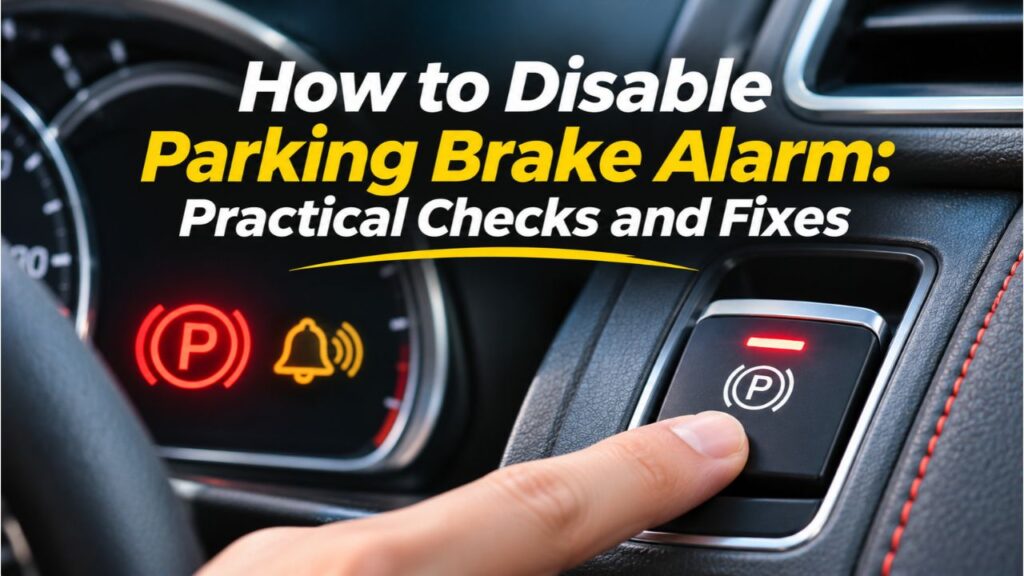
A parking brake alarm is an audible warning that alerts the driver to a parking brake condition requiring attention.
The most common situation occurs when the driver begins moving while the parking brake is still applied.
Depending on the vehicle, the warning may include:
- A continuous or intermittent beeping sound
- A red parking brake indicator
- A message reading “Release Parking Brake”
- A parking brake symbol flashing on the dashboard
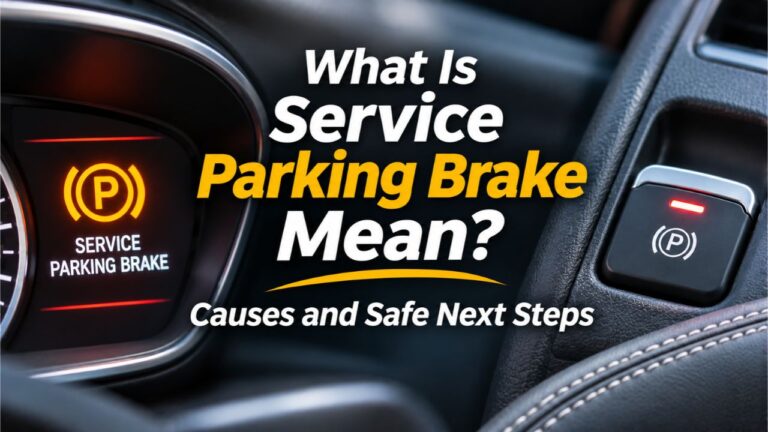
- A “Service Parking Brake” warning
- A warning sound when opening the driver’s door
Different alerts can have different meanings. A parking brake reminder during driving is not necessarily the same as an electronic parking brake malfunction warning.
The alarm may also be connected to the vehicle’s broader brake warning system.
Therefore, identifying the exact warning is the first step toward stopping it safely.
Common Reasons Your Parking Brake Alarm Keeps Beeping
A parking brake alarm may activate because of normal operation or a mechanical or electrical fault.
| Possible Cause | Typical Symptom | Appropriate Action |
| Parking brake partially engaged | Alarm sounds while moving | Stop and release completely |
| Faulty parking brake switch | Warning remains after release | Inspect and test switch |
| Low brake fluid | Brake warning remains illuminated | Inspect fluid level and leaks |
| Sticking parking brake cable | Brake does not release fully | Repair mechanical problem |
| Electronic parking brake fault | Service message or flashing indicator | Diagnose the EPB system |
| Damaged wiring | Intermittent warning or false status | Inspect electrical connections |
| Normal parking reminder | Beeping when opening a door | Secure vehicle as instructed |
A persistent warning should be diagnosed according to its actual symptoms instead of assuming the alarm itself is defective.
How to Disable Parking Brake Alarm: Step-by-Step Checks
These steps explain how to stop the alarm by correcting common causes. They apply broadly to mechanical and electronic parking brakes, although the exact procedures vary by vehicle.
Step 01: Stop the Vehicle in a Safe Location
If the parking brake alarm begins sounding while driving, find a safe place to stop.
Reduce speed gradually and avoid sudden steering movements.
Bring the vehicle to a complete stop and keep your foot firmly on the regular brake pedal.
Do not attempt to inspect mechanical parts or operate unfamiliar controls while the vehicle is moving.
Once stationary, check the instrument cluster for parking brake warnings.
Pay attention to whether the warning is a steady red indicator, flashing parking brake symbol, or written malfunction message.
If the vehicle feels unusually resistant to movement, the parking brake may still be applied.
Do not continue driving until the cause has been identified.
Safety Note: If the brake pedal feels abnormal, braking performance is reduced, or the vehicle displays a serious brake system warning, arrange professional assistance rather than continuing to drive.
Step 02: Release the Parking Brake Completely
A partially engaged parking brake is one of the simplest reasons for an alarm to activate.
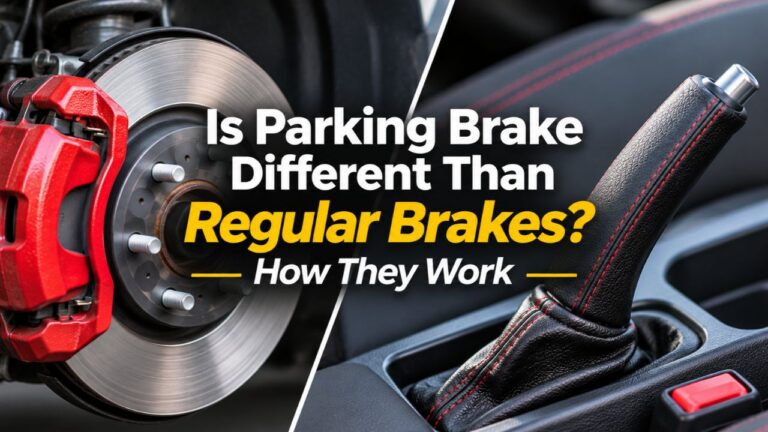
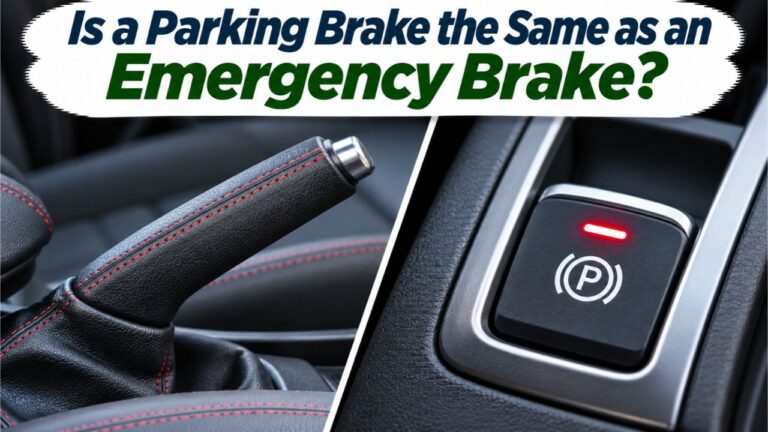
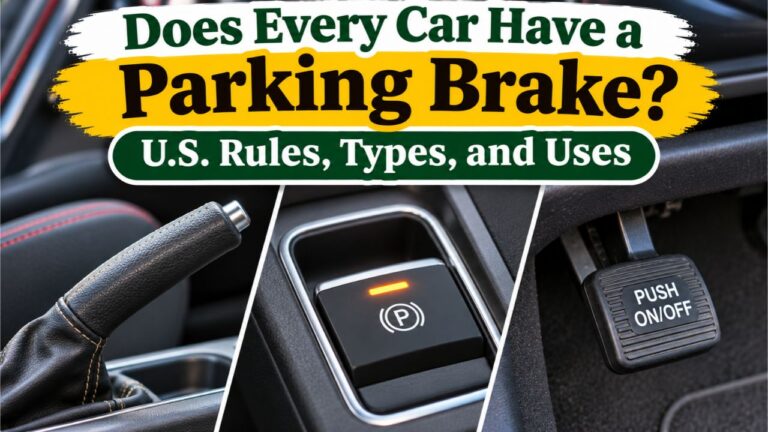
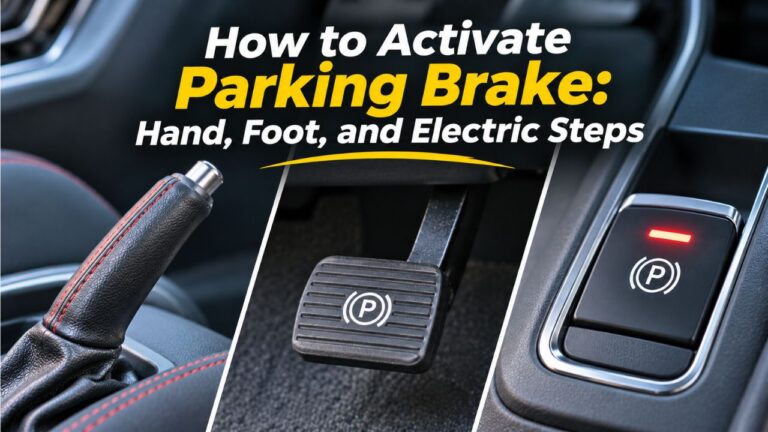
For a traditional handbrake, pull the lever upward slightly, press the release button, and lower the lever completely.
For a foot-operated parking brake, use the pedal or release handle according to the vehicle’s design.
For an electronic parking brake, keep the service brake pedal pressed and operate the release switch as instructed by the manufacturer.
Some electronic systems require the ignition to be ON before accepting the release command.
After releasing the brake, inspect the dashboard indicator.
For example, Toyota’s 2026 Prius parking brake instructions explain that a warning buzzer sounds when the vehicle is driven with the parking brake engaged.
The normal solution is to stop and release the parking brake, not disable its warning.
Step 03: Check Whether the Warning Light Turns Off
After releasing the parking brake, check the dashboard.
A normal parking brake engagement indicator should generally turn off once the system confirms the brake is released.
If the light remains illuminated, the vehicle may still detect an applied brake or another brake-related condition.
For a hand-operated system, confirm that the lever rests completely down.
For a foot-operated system, check that the pedal has returned normally.
For an electronic system, confirm that the switch operation produces the expected release indication.
A red BRAKE warning light may serve more than one function, so it should not automatically be treated as a parking brake switch problem.
Check the owner’s manual to identify the warning.
If the parking brake is clearly released but the light remains illuminated, continue troubleshooting without driving until a potentially serious brake fault has been ruled out.
Step 04: Check for a Sticking Parking Brake Mechanism
A mechanical parking brake can remain partially applied even when its control appears released.
This may happen because of:
- Corroded parking brake cables
- Binding mechanical linkages
- Sticking rear caliper mechanisms
- Damaged parking brake hardware
- Faulty return springs
Inspect the control for normal movement while the vehicle remains secured.
If a hand lever feels unusually stiff or a foot pedal fails to return, the mechanism may be binding.
A parking brake that remains applied can cause excessive friction and brake overheating.
Do not drive the vehicle to force the brake to release.
A qualified technician should inspect the cables, rear brake components, and release mechanism when mechanical sticking is suspected.
Step 05: Identify a Faulty Parking Brake Switch
Many mechanical parking brake systems use an electrical switch to tell the instrument cluster whether the parking brake is engaged.
If the switch sticks or its contacts become damaged, the dashboard may continue displaying an applied parking brake status after the mechanism has released.
The warning alarm may then continue operating because the vehicle receives an incorrect signal.
On certain handbrake systems, the switch is mounted near the lever assembly. Other designs place the switch near the pedal mechanism.
A technician can inspect the switch, connector, and signal behavior according to the manufacturer’s diagnostic procedure.
Do not disconnect the switch to silence the alarm.
Doing so may remove an important parking brake warning and can interfere with related electronic functions.
Replace or repair the faulty component after confirming the diagnosis.
Step 06: Inspect Electronic Parking Brake Operation
If the vehicle uses an electronic parking brake, the warning may involve an actuator or control-system problem.
Electronic parking brakes commonly use motors at the rear calipers or a separate electric cable actuator.
A damaged actuator, faulty switch, wiring issue, or control module malfunction can prevent proper operation.
Look for messages such as:
- Service Parking Brake
- Parking Brake Malfunction
- Parking Brake Not Released
- Electronic Parking Brake Unavailable
Do not repeatedly pull and push the electronic parking brake switch if the system is not responding.
Repeated commands may not correct the problem and can place additional load on the actuator.
Check the owner’s manual for the specific message.
A compatible diagnostic scan tool may be required to identify stored electronic parking brake trouble codes.
Step 07: Check the Brake Fluid Level
Some vehicles use a shared warning indicator for the parking brake and hydraulic brake system.
If brake fluid is low, the warning light may remain illuminated even after the parking brake is released.
Locate the brake fluid reservoir and inspect the level using the manufacturer’s markings.
Do not open the reservoir unnecessarily or allow dirt to enter the hydraulic system.
Kia’s official warning-light guidance explains that its parking brake and brake fluid warning light can illuminate when the brake fluid level is low.
The guidance also warns against driving when brake fluid leakage is present or the brakes do not operate correctly.
Low brake fluid can result from brake component wear or hydraulic fluid loss.
If the level is unexpectedly low, investigate the cause instead of repeatedly adding fluid to silence the warning.
Step 08: Check for Obvious Wiring or Connector Problems
Parking brake warning systems depend on electrical connections between switches, sensors, control modules, and the instrument cluster.
Damaged wiring may produce intermittent or continuous warnings.
A vehicle that repeatedly displays the warning after driving over bumps may have an intermittent electrical connection, although that symptom alone cannot identify the fault.
With the vehicle secured and the ignition off, visually inspect accessible connectors for obvious damage or loose connections.
Do not disturb brake-related wiring unnecessarily.
Avoid cutting wires, grounding signal circuits, or bridging connector terminals.
Modern parking brake systems may communicate through vehicle control networks, making improvised electrical repairs particularly risky.
If the warning persists, professional circuit testing is preferable to guessing which wire controls the alarm.
Step 09: Review the Vehicle’s Warning Sound Settings
Some vehicles provide adjustable settings for certain audible alerts.
With the vehicle safely parked, open the instrument cluster or infotainment settings and look for a menu related to vehicle alerts or audible notifications.
Depending on the manufacturer, options may be labeled:
- Vehicle Settings
- Driver Assistance
- Audible Alerts
- Warning Volume
- Notification Settings
These are possible menu categories, not universal parking brake alarm controls.
Do not assume that an adjustable warning volume setting controls the parking brake alarm.
Many vehicles allow adjustment of parking sensor sounds while keeping safety-related brake reminders fixed.
If the owner’s manual explicitly identifies a parking brake reminder volume or notification setting, use only the approved adjustment.
If no such setting exists, return to diagnosing the warning condition rather than bypassing the alarm.
Step 10: Confirm the Alarm Has Stopped After Correcting the Cause
Once the suspected problem has been corrected, verify normal parking brake operation.
With the vehicle stationary and secured, apply the parking brake using its normal control.
Confirm the appropriate dashboard indication.
Release the parking brake and check that the indicator changes as expected.
Listen for any warning sound that remains active.
The vehicle should not produce an unexpected parking brake warning when the brake is fully released and the system is functioning correctly.
Ford’s 2025 F-650/750 audible warning guide explains that its parking brake chime sounds when the vehicle is driven with the brake applied and advises service if the chime continues after release.
If the problem remains, arrange diagnosis before returning the vehicle to normal use.
Can You Permanently Turn Off the Parking Brake Alarm?
Some vehicles may offer manufacturer-approved customization of specific notification sounds, but many parking brake safety alarms cannot be permanently disabled through ordinary settings.
This is intentional because the warning alerts the driver to a condition that may damage the brakes or affect safe vehicle operation.
A parking brake left partially engaged can generate excessive heat, wear down friction materials, and reduce braking performance.
Disabling the alarm without correcting the underlying condition removes an important warning.
Parking Brake Alarm vs. Parking Sensor Beeping
Drivers sometimes confuse a parking brake warning with parking assist sounds.
These are different systems.
Parking brake alarm: Warns about parking brake engagement, release status, or a braking system condition.
Parking assist alarm: Warns about nearby obstacles detected by parking sensors.
Parking assist volume may be adjustable, and some vehicles allow parking assistance to be switched off.
That does not mean the parking brake alarm can or should be disabled.
Check the dashboard message and the circumstances in which the sound occurs before changing any setting.
Why You Should Not Disconnect the Parking Brake Alarm
Disconnecting a warning speaker, removing an unrelated fuse, or modifying parking brake wiring is not an appropriate solution for a persistent alarm.
Many modern vehicles share warning sounds through the instrument cluster or other electronic modules.
Attempting to silence one warning could interfere with other important notifications.
Removing a fuse may also disable additional functions, depending on the vehicle.
Similarly, unplugging a parking brake switch can cause incorrect brake status information.
If the vehicle reports that the parking brake remains applied, the correct approach is to determine whether the brake is physically engaged, the switch signal is incorrect, or another fault is present.
Repairing the cause preserves the warning system’s intended function.
What if the Parking Brake Alarm Sounds Only When You Open the Door?
Some vehicles sound an alarm when the driver’s door opens while the parking brake is not engaged or the vehicle is not properly secured.
This is different from an alarm warning that the brake remains applied during driving.
For example, certain electronic parking brake systems display an instruction to apply the parking brake when the driver opens a door under particular operating conditions.
If the alarm sounds while exiting, check that the transmission is in the correct parking position and the parking brake is applied as required.
Follow the owner’s manual for the correct shutdown and parking sequence.
Do not release the parking brake merely to stop a warning that is telling you to secure the vehicle.
When a Persistent Parking Brake Alarm Needs Professional Repair
A parking brake warning requires further attention when normal release procedures do not stop it.
Professional diagnosis is especially important when:
- The warning remains after the brake is confirmed released.
- The vehicle displays a Service Parking Brake message.
- The electronic parking brake refuses to engage or release.
- The brake pedal feels unusually soft or firm.
- The vehicle experiences brake drag or overheating.
- A red brake system warning remains illuminated.
- Brake fluid leakage is suspected.
A technician may use a vehicle-compatible scan tool to retrieve relevant trouble codes and check live parking brake status information.
Depending on the findings, repair may involve replacing a switch, servicing parking brake hardware, repairing wiring, or correcting an electronic actuator fault.
If the vehicle’s regular braking performance is uncertain, do not drive it to the repair facility. Arrange towing instead.
FAQs About How to Disable Parking Brake Alarm
Can You Turn Off the Parking Brake Alarm Without Releasing the Brake?
You should not silence a parking brake alarm while the brake remains applied during driving. The proper solution is to stop safely and release the brake completely. Continuing to drive can overheat the braking components.
Why Is My Parking Brake Alarm Beeping When the Brake Is Off?
Possible causes include a faulty parking brake switch, damaged wiring, an electronic parking brake malfunction, or a brake-related warning that shares the same indicator. The exact dashboard message helps identify the problem.
Does Disconnecting the Battery Reset the Parking Brake Alarm?
It may temporarily interrupt some warnings, but disconnecting the battery does not repair the underlying fault. Some electronic parking brake systems may also require additional procedures after power loss.
Can Low Brake Fluid Trigger a Parking Brake Alarm?
Low fluid can activate a shared parking brake and hydraulic brake warning system on certain vehicles. Whether it produces an audible alarm depends on the model. Any unexpected fluid loss requires investigation.
Can You Adjust the Parking Brake Alarm Volume?
Only if the manufacturer provides a specific setting for that warning. General notification or parking sensor volume controls do not necessarily affect parking brake safety alerts.
Why Does My Parking Brake Alarm Keep Sounding After Repairs?
The system may still detect an unresolved fault, an incorrect switch signal, or a condition requiring electronic diagnosis or calibration. Confirm the repair and follow the manufacturer’s verification procedure.
Stop the Parking Brake Alarm by Fixing Its Actual Cause
Understanding how to disable parking brake alarm warnings starts with identifying why the vehicle is sounding the alert. In most cases, the correct first action is to release the parking brake completely and verify that the dashboard indicator turns off. If the alarm remains active, a switch, wiring, hydraulic, or electronic parking brake issue may require attention.
Some vehicles offer adjustable warning settings, but that does not mean essential brake safety alarms can be permanently disabled. Removing a fuse, disconnecting a sensor, or muting the warning without correcting the problem can hide a condition that affects safe braking.
The best approach is to diagnose the cause, repair the affected component, and confirm that the parking brake applies and releases normally. A properly functioning warning system should remain available to alert the driver when a real parking brake problem occurs.