How to Clear Parking Brake Malfunction: Causes and Safe Fixes
To clear a parking brake malfunction warning, first secure the vehicle, check the exact dashboard message, and follow the manufacturer’s approved parking-brake operating procedure. A missed brake-pedal input or temporary operating condition may be easy to correct. A failed actuator, damaged wiring, or stored electronic fault requires diagnosis and repair before the warning can be cleared safely.
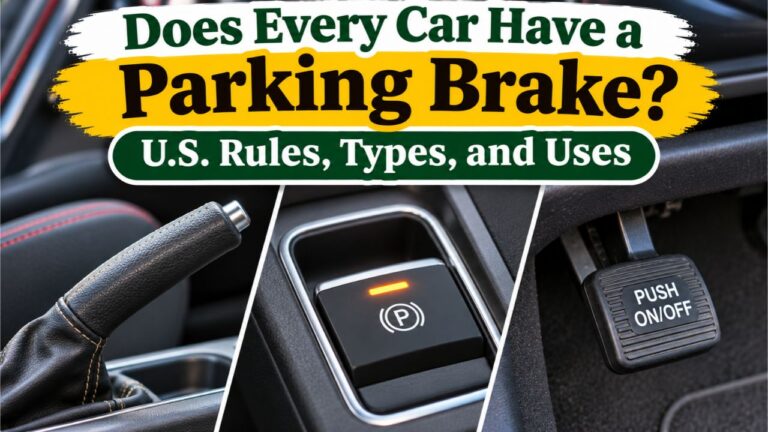
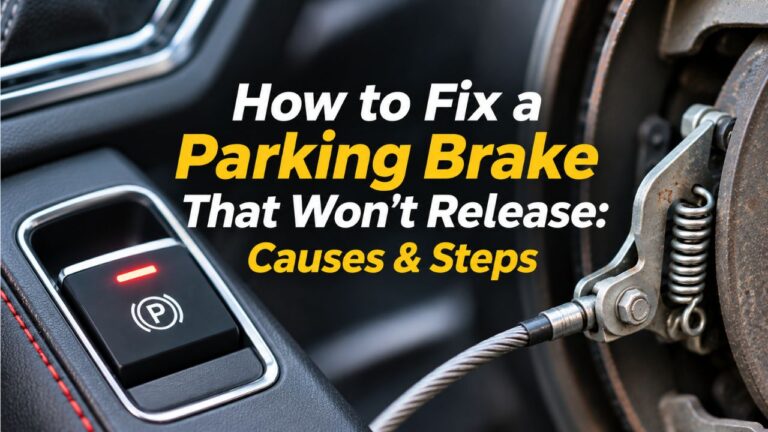
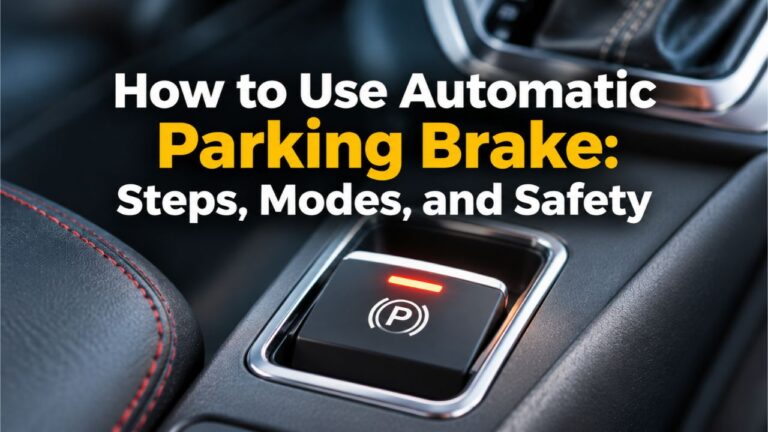
Most modern warnings involve the electronic parking brake (EPB), which uses a switch and electric actuator instead of a traditional hand lever. A red parking brake light may simply mean the brake is applied, while an amber EPB warning or a service message can indicate a malfunction. Some vehicles also display related ABS, stability-control, or Auto Hold warnings.
The goal is to confirm the brake engages, releases completely, and securely holds the parked vehicle. This guide covers detailed stationary checks, safe ways to address temporary warnings, common failure causes, scan-tool diagnosis, and when towing is the right choice.
What Does a Parking Brake Malfunction Warning Mean?
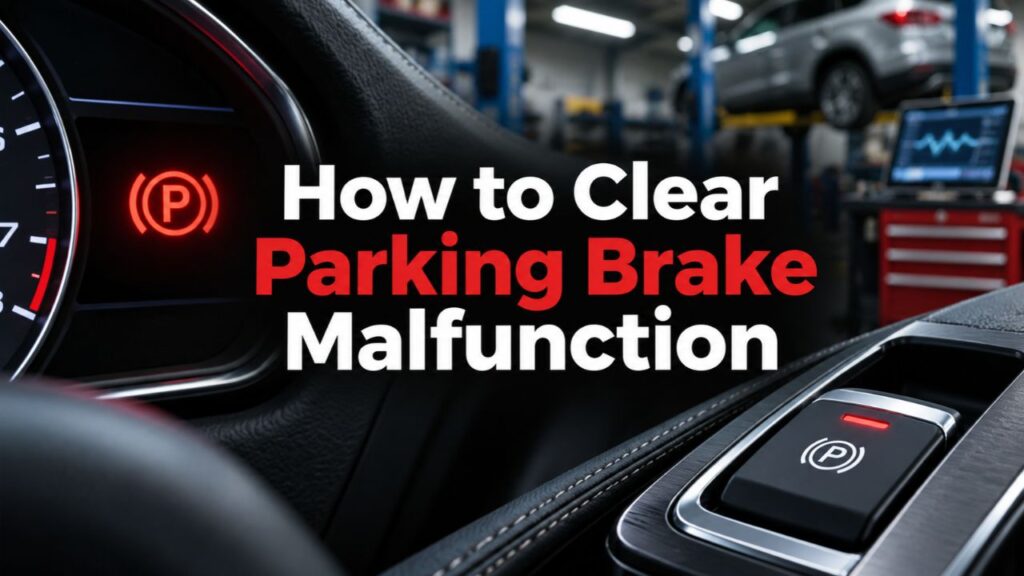
A parking brake malfunction means the vehicle has detected an abnormal condition affecting the parking brake or a system involved in its operation. It does not identify a particular failed part by itself. Possible causes include an unmet release condition, low voltage, a stuck brake, or an actuator or module fault.
The exact wording matters. In Ford’s 2026 Explorer electric parking brake troubleshooting guide, a request to press the brake pedal and switch means a release condition was missed. The separate “Park Brake Malfunction Service Now” message calls for service. Wording differs across vehicles.
| Warning or Symptom | What It May Indicate |
| Red parking brake indicator stays on | Brake applied, not fully released, or a brake-system warning |
| Amber EPB light or service message | Electronic parking brake fault needs diagnosis |
| “Press Brake and Switch” | Required brake-pedal input was missed on applicable vehicles |
| “Park Brake Not Released” | Parking brake has not disengaged completely |
| “Park Brake Not Applied” | Parking brake may not securely hold the vehicle |
| “Brake Maintenance Mode” | System may be configured for rear brake service |
A warning disappearing does not prove the brake is repaired. Confirm the physical operation as well as the dashboard indication.
How to Clear Parking Brake Malfunction: 12 Safe Steps
Start with checks that do not require removing wheels, disconnecting electrical components, or moving the car. The order helps separate an operating-condition issue from a mechanical or electronic failure. Stop if the brake will not release, cannot hold the car, or a red brake-system warning suggests a wider braking problem.
Step 01: Stop on Level Ground and Prevent the Vehicle From Rolling
Bring the vehicle to a complete stop in a safe place. Keep your foot firmly on the regular brake pedal, shift an automatic transmission into Park, and use wheel chocks if needed. A manual-transmission vehicle should be secured according to its owner’s manual. Do not depend on a malfunctioning parking brake to hold the vehicle on a slope.
If the warning appears while driving, pull over safely. An applied brake can overheat; a brake that fails to apply may allow the parked vehicle to roll.
Step 02: Read and Record the Exact Dashboard Message
Look at the instrument cluster and note the complete wording, warning color, and any additional lights. Photograph the display if it is safe to do so. Record whether the fault appeared after a battery replacement, rear brake work, car wash, freezing weather, or an attempted automatic release.
Distinguish the ordinary applied-brake indicator from an amber EPB warning. Also note any Auto Hold, ABS, or stability-control message; those faults are not necessarily identical. Do not erase warning codes before recording the symptoms.
Step 03: Check the Owner’s Manual for the Correct EPB Procedure
Find the parking brake section for the exact model year, engine or powertrain, and equipment. Confirm how the switch applies and releases the brake, whether the ignition must be on, and what conditions control automatic release. Some systems apply the EPB automatically when shifting to Park or switching off the vehicle.
Avoid copying a long switch-hold sequence from an unrelated car. A button procedure that changes automatic mode or enters service mode on one vehicle may operate differently on another. If the manual labels the message as requiring immediate service, treat it as a fault rather than a routine reset request.
Step 04: Satisfy the Normal Release Conditions
While stationary, sit in the driver’s seat, hold the service brake, and place the ignition or power system in the required state. Fasten the seat belt and check whether the doors, hood, or liftgate need to be closed. Follow the correct transmission-position rules for the vehicle.
These checks matter particularly when the EPB refuses to release automatically. A car may be operating as designed when it keeps the brake engaged because a required condition is missing. Do not accelerate against the brake to force it loose. If the EPB cannot disengage using its specified method, keep the car parked.
Step 05: Try the Manufacturer-Approved Manual Switch Operation
With the regular brake pedal held, use the EPB switch to request release or application exactly as the owner’s manual describes. On many vehicles, pulling the switch applies the brake and pressing it releases the brake, but the direction is not universal. Listen for normal brief actuator operation and watch for the correct dashboard confirmation.
Hyundai’s 2026 Tucson electronic parking brake instructions specify pressing the brake pedal while operating the EPB switch to release it. For certain flashing warning conditions, they describe a limited switch retry and then flatbed towing if the warning persists. Do not repeatedly cycle the switch when a motor strains, grinds, or refuses to move.
Step 06: Perform One Normal Power Cycle if the Manual Permits
If the parking brake can be safely secured and there is no instruction to stop immediately, shut the vehicle down normally. Allow the displays to turn off, then restart it according to the owner’s manual. Check whether the alert returns after the normal startup checks and whether the EPB operates as expected.
A temporary electronic communication issue may clear after a restart, but this is not a universal EPB reset. Do not disconnect the battery to make a warning vanish. Power removal can create other problems, and a mechanically stuck parking brake will not become safe just because its dashboard message temporarily disappears.
Step 07: Check for Signs of a Weak 12-Volt Battery
Notice whether the vehicle cranks slowly, struggles to power on, or displays several unrelated electrical warnings. Electronic parking brakes rely on adequate electrical power; low voltage may prevent an actuator from applying or releasing correctly. A discharged battery is especially relevant after prolonged storage or electrical work.
Inspect accessible battery connections visually for obvious looseness or corrosion, without disconnecting them during a brake fault. Have battery condition and charging voltage checked with the correct equipment. Follow the manufacturer’s jump-start or charging instructions if needed, and retest the EPB only after reliable power is restored.
Step 08: Look for Heat, Freezing, or an Overworked Actuator
If the warning followed repeated EPB operations, the system may have activated temporary thermal protection. Follow the manufacturer’s cooling instructions rather than repeatedly commanding the motor. If the brakes smell hot, smoke, or make scraping noises, stop the checks and arrange inspection.
Freezing moisture can also prevent some mechanisms from releasing, especially after wet winter driving. Do not force the car forward, strike the caliper, or apply improvised heat. A frozen or seized assembly needs the appropriate recovery method, not extra accelerator pressure.
Step 09: Inspect Accessible Rear Brake Parts and Wiring
With the ignition off and the vehicle securely parked, look through the wheels or from another safe position for loose connectors, visibly damaged actuator wiring, hanging harnesses, or signs of a rear brake fluid leak. Examine only areas accessible without crawling under an unsupported car or reaching around moving components.
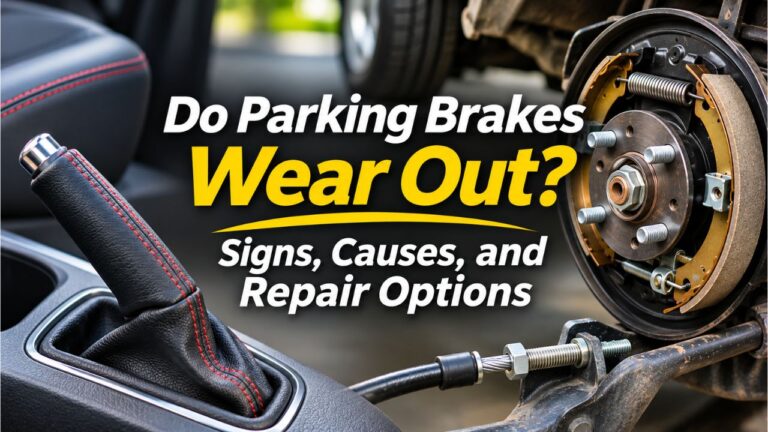
Do not unplug actuators or pull on wiring to reset the brake. If the warning began after rear pad or rotor replacement, tell the technician: an improperly completed EPB maintenance-mode procedure or damaged connector may be involved. Avoid forcing an electronic caliper piston inward or attempting a generic mechanical release.
Step 10: Read EPB and ABS Fault Codes With the Right Scan Tool
If the message remains, scan the parking brake and ABS/stability-control modules using a diagnostic tool that supports the vehicle. An ordinary engine-code reader may miss EPB faults. Record the trouble codes, their status, and relevant live data before changing anything.
HELLA’s electric parking brake troubleshooting guide explains how suitable diagnostic equipment can read fault memory, view component data, and perform actuator checks when required. A code guides testing; it does not prove a component has failed. Leave actuator commands and powered tests to someone equipped to prevent unintended brake movement.
Step 11: Repair the Cause and Complete Any Required Calibration
Use the scan results and manufacturer troubleshooting process to check the actual failure: electrical supply, fuse or wiring, switch operation, actuator motor, brake caliper, or mechanical linkage. Check fuses only against the correct circuit diagram; a replacement fuse that blows again indicates a fault that must be repaired.
After certain EPB repairs or rear brake service, the control unit may need a calibration, basic setting, or exit from maintenance mode. Use the vehicle-specific service procedure. Do not substitute an online pedal-and-switch combination, and never bypass safety interlocks to make an actuator move.
Step 12: Clear Stored Codes and Verify the Parking Brake Works
Once the fault has been corrected, use a compatible diagnostic tool to clear repair-related codes if the procedure requires it. Some messages clear automatically when the system passes its own checks. Switch the vehicle on again and see whether the warning returns.
Confirm correct application and release using the manufacturer’s stationary test, with the vehicle secured against movement. Verify that the red parking brake indicator matches the actual state and that no brake-system warnings remain. If the brake drags, will not hold, or the warning reappears, the repair is incomplete. Do not return the vehicle to service.
Common Causes of an Electronic Parking Brake Malfunction
Several different problems can produce the same warning. Symptoms narrow the investigation, but diagnosis requires inspection and vehicle-specific fault information.
Low Battery Voltage or Electrical Connections
Insufficient electrical power can make the EPB motor operate slowly, stop partway, or fail to respond. Corroded wiring terminals, a damaged ground connection, or a circuit fault can create similar symptoms even with a healthy battery. Check power supply before purchasing an actuator.
Failed Switch, Actuator, or Rear Caliper Mechanism
An EPB switch may fail to send the expected command. An actuator can develop internal motor or gear faults, while a seized caliper or damaged mechanical linkage can prevent full movement. One rear brake may be affected even if the other appears normal. Replacing the switch will not fix a mechanically jammed caliper.
Incorrect Brake Service or Control-Module Fault
An EPB left in maintenance mode after pad replacement may show an unexpected warning or fail to operate normally. A sensor or ABS/stability-control fault may also affect the parking-brake function. Software or module faults are possible, but should be considered after basic power, wiring, and mechanical checks. Required initialization procedures differ across vehicles.
Can You Clear a Parking Brake Malfunction Without a Scanner?
Sometimes. If the message results from missing release conditions, a manufacturer-approved switch action, or a temporary issue that resolves after a normal restart, no scanner may be needed. However, a persistent EPB or service warning should not be erased blindly.
When a control module has stored diagnostic trouble codes, a tool with suitable EPB/ABS access may be required after the underlying problem is repaired. Clearing fault memory is the final documentation and verification step, not the repair itself. Avoid disconnecting the battery, removing fuses, or resetting every module merely to hide a warning.
When a Parking Brake Malfunction Means You Should Not Drive
Do not drive if the parking brake remains applied, if the rear wheels drag, if a red brake-system warning remains on after an attempted release, or if the service brake pedal feels abnormal. Also avoid leaving the car parked on a slope if the parking brake cannot engage and hold it. Secure the vehicle using Park or the specified gear and appropriately placed wheel chocks while arranging help.
A fault that seems limited to automatic EPB release may still require service, even when manual release temporarily works. If the manufacturer specifies immediate inspection, follow that instruction. When the brake cannot release or safe operation cannot be confirmed, request appropriate towing; a flatbed may be required to prevent further damage.
FAQs About How to Clear Parking Brake Malfunction
Can a Weak Battery Cause a Parking Brake Malfunction Warning?
Yes. Electronic parking brake motors and modules need adequate electrical power. Low battery voltage can interfere with application, release, or control-system communication. Verify battery and charging condition before assuming the actuator has failed.
Will Disconnecting the Battery Reset an EPB Malfunction?
It may temporarily remove a message on some vehicles, but it is not a reliable or recommended general fix. The original fault can remain, and disconnecting power can create additional settings or calibration issues.
Can I Release an Electronic Parking Brake That Is Stuck On?
Try only the manufacturer-approved release procedure while the vehicle is secured and your foot is on the service brake. If it stays applied, do not drive or force the rear wheels to turn; arrange qualified assistance.
Does Auto Hold Cause Parking Brake Malfunction Messages?
Auto Hold and EPB are separate but sometimes linked functions. A transfer or communication problem may produce a related warning. Check the exact message and system fault codes rather than treating every Auto Hold alert as a parking brake actuator failure.
Does Clearing EPB Codes Mean the Parking Brake Is Fixed?
No. A cleared code only shows that the fault memory was erased or a warning condition is no longer currently detected. The brake must still pass its application and release checks.
Clear the Warning Only After Restoring Reliable Parking Brake Operation
The safest answer to how to clear parking brake malfunction is to identify the exact warning, correct any missed operating conditions, and check electrical power and visible brake components before attempting a reset. A simple switch or startup issue may resolve without parts, but a persistent EPB fault needs proper diagnosis.
Once the cause is repaired, clear stored codes only when necessary and verify both engagement and full release. If the brake is stuck, cannot secure the car, or displays serious brake-system warnings, keep the vehicle parked and arrange professional repair rather than driving with an unresolved fault.